A clear view of your time
Scopit brings your events, deadlines, reminders, and daily notes into a simple, calm interface. No account, no unnecessary complexity: see what matters today, what’s coming next, and what you’ve already completed.
Preview
A few key screens to understand the workflow at a glance.

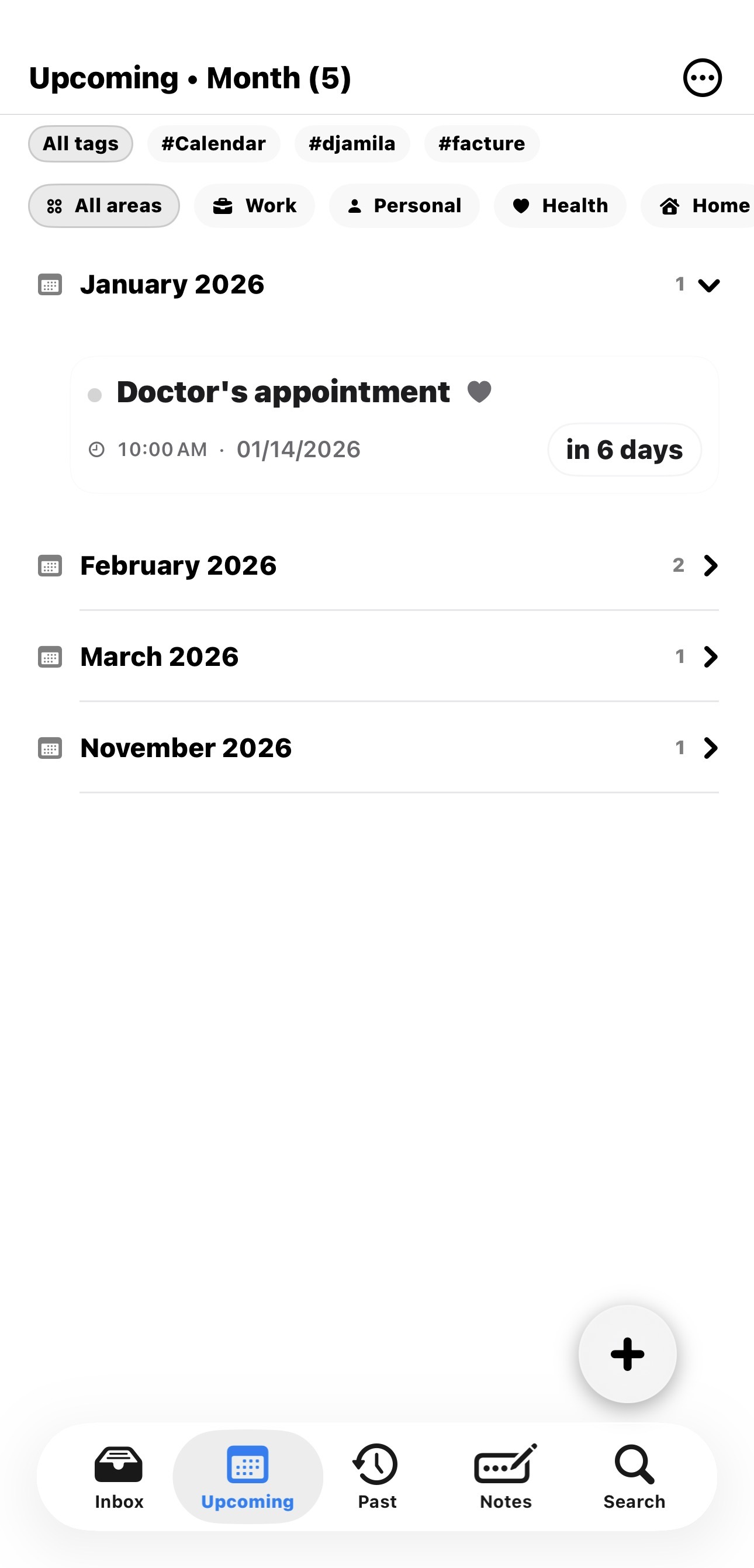
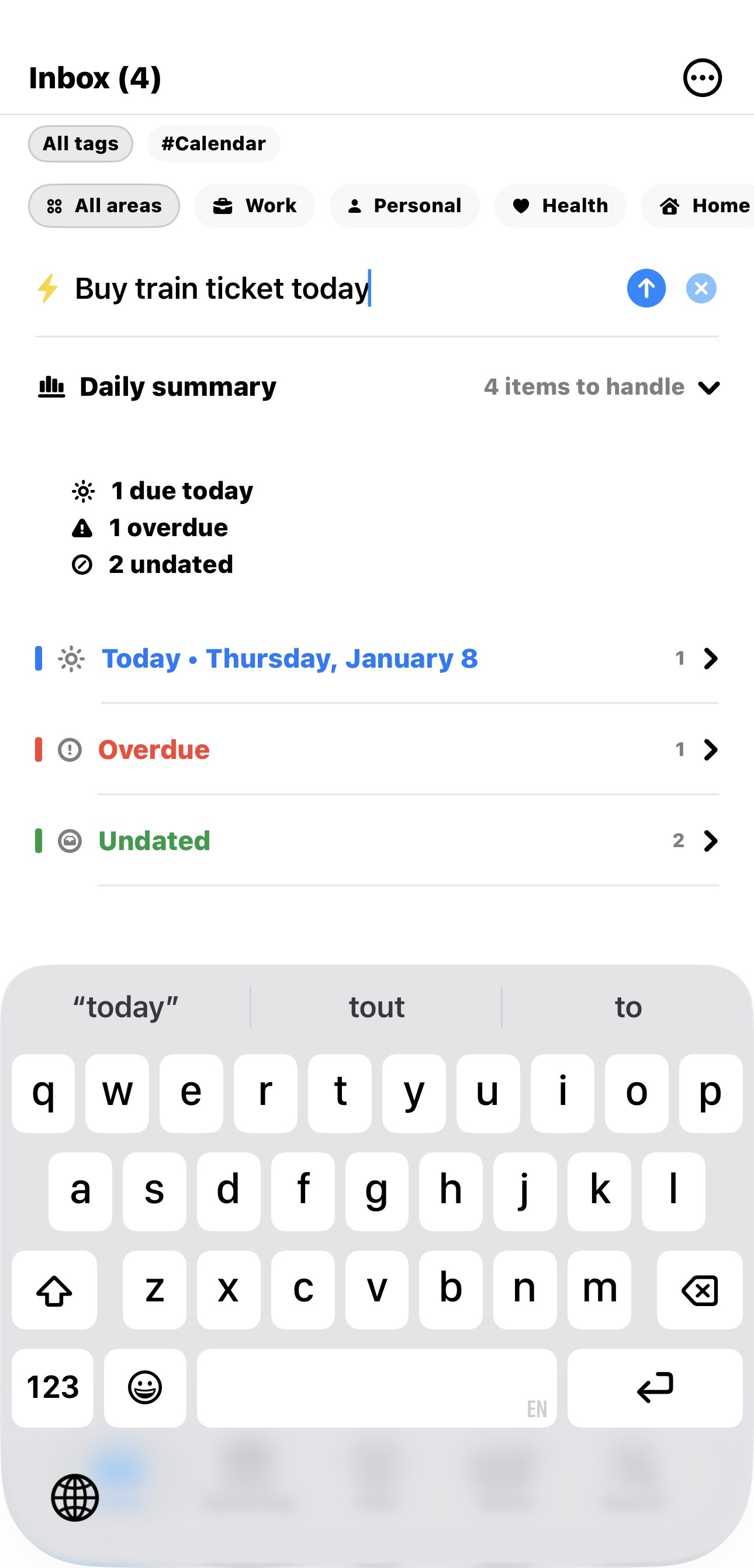
Organized by tabs
- Today — what matters now, at a glance
- Upcoming — your next deadlines, without calendar overload
- Past — keep a history of what you’ve done
- Inbox — ideas and tasks to sort later
Each tab can be displayed in compact mode to keep only what matters, or in a detailed mode when you need more context.
Countdowns and widget
- Classic day countdowns: D-3, D+2, etc.
- Human mode: “tomorrow”, “in 2 days”, “1 week ago”…
- iOS widget to see your upcoming items from the Home Screen
Daily notes and Markdown
Scopit includes a lightweight daily notes editor with simple Markdown. Great for journaling, preparing deadlines, or capturing ideas.
- Headings
#,##,###with collapsible sections in Preview mode - Task lists:
- [ ]and- [x]with visual checkmarks - Simple formatting: italic, bold, inline code
- Create an event from a note in one tap
Smart links (email, apps, web)
Each event can include a link: email, web page, document, or deep link to another app. Notes can also automatically detect links in your text.
- Link field on every event (mailto, https, app deep links…)
- Automatic link detection in notes (Mail, Safari, Bear, Things, Obsidian, etc.)
- Open directly in the corresponding app via iOS
- Quick copy of the URL to share anywhere
Shortcuts & Siri (App Intents)
Scopit supports App Intents: use iOS Shortcuts, Siri, and Spotlight to run actions without browsing menus (or to jump directly to the right place).
- Event — add an event quickly
- Note — create a note in one tap
- Inbox — open Inbox directly
- Search — launch Search instantly
Sync and integrations
- iCloud sync (CloudKit) across your Apple devices
- Optional Calendar and Reminders integration
- Siri Shortcuts to speed up capture and navigation
Scopit stays intentionally lightweight, while providing reliable and private sync via iCloud.
Pricing
Scopit includes a free plan to discover the workflow, with up to 20 events. Scopit Pro mainly unlocks unlimited events, plus customization options (countdown styles, alternate icons, and accent colors).
- €3.99 / month
- €19.99 / year
- €49.99 lifetime (one-time purchase)
Prices may vary by country and taxes. The App Store always shows the exact amount for your region.
Privacy and transparency
Scopit requires no account and does not collect personal data. Your information is stored locally on your device and synced via iCloud (CloudKit) across your Apple devices.
The app is available in French and English and follows your system language automatically.